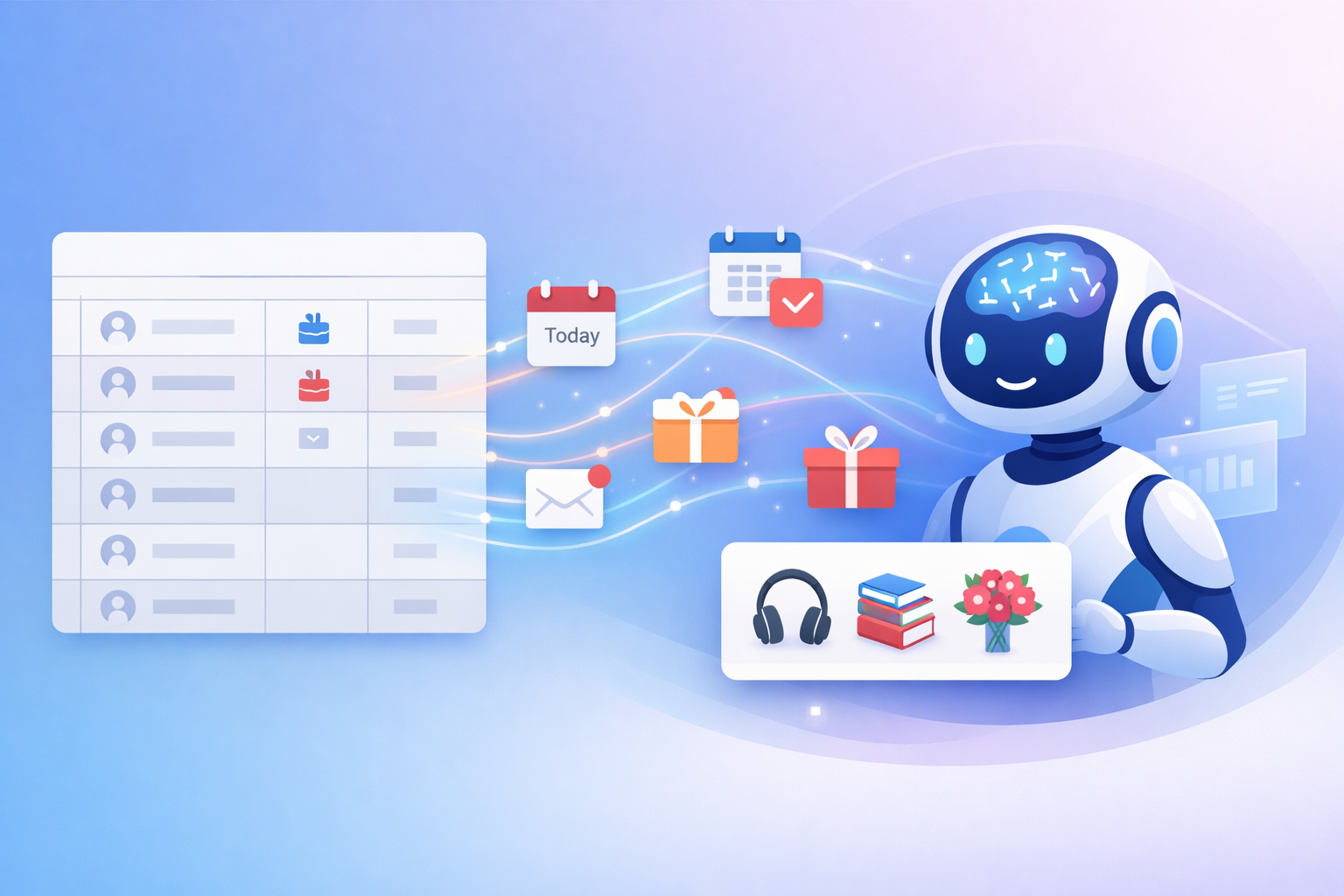
We’ve all been there: a vital birthday slips your mind, or you scramble for a last-minute, generic “HBD” text. In this guide, I’ll walk you through building a free solution using Google Sheets, Google Apps Script, and the Gemini API, a robust automation system that checks for birthdays every morning, generates a unique, context-aware message for each person, and sends a single, consolidated reminder email directly to your inbox.
System Overview
Three components work together to automate personalised birthday messages with no manual effort required.
Google Sheets
The Data — stores each person’s name, birthday, and personalised notes.
Google Apps Script
The Engine — runs on a schedule, reads your Sheet, and handles all emailing logic.
Gemini API
The Intelligence — generates a custom, heartfelt message using the context you provide.
How to Set It Up
1
Data Setup
Create a spreadsheet named “Birthday AI Reminder” with a tab named exactly “Birthdays”. Set up five columns:
| Column |
Details |
| Name |
Full name of the person |
| Birthday |
MM/DD format with leading zeros (e.g. 03/05) |
| Classification |
1 = Close Family, 2 = Extended Family, 3 = Close Friends, 4 = Friends, 5 = Deceased |
| Last Sent Year |
Auto-filled by the script to prevent duplicate sends |
| Notes / Context |
Personal details Gemini uses to craft the message |
2
Code Integration
Go to Extensions → Apps Script, delete any placeholder text, and paste the complete working script. Update the RECIPIENT_EMAIL line with your actual email address.
3
API Key Configuration
Get your Gemini API key from Google AI Studio. In Apps Script, go to Project Settings and add a script property:
Property name GEMINI_API_KEY
Value your-api-key-here
Then run sendBirthdayReminders to grant all required permissions.
4
Automation
Select createDailyTrigger and click Run. Your app will now automatically check for birthdays every day between 7:00 AM and 8:00 AM.
Birthday Automation Code
The complete Apps Script — ready to paste and run.
Download PDF